github ↗
v1.0.2 · for macOS

See the AI on your Mac.

A tiny menu bar app that finds AI agents quietly running on your Mac — and lets you stop the ones eating your battery.

Download for macOS 388 KB · macOS 14+
downloads & counting
Hi 👋
your menu bar, but useful
drag to pause
or kill →
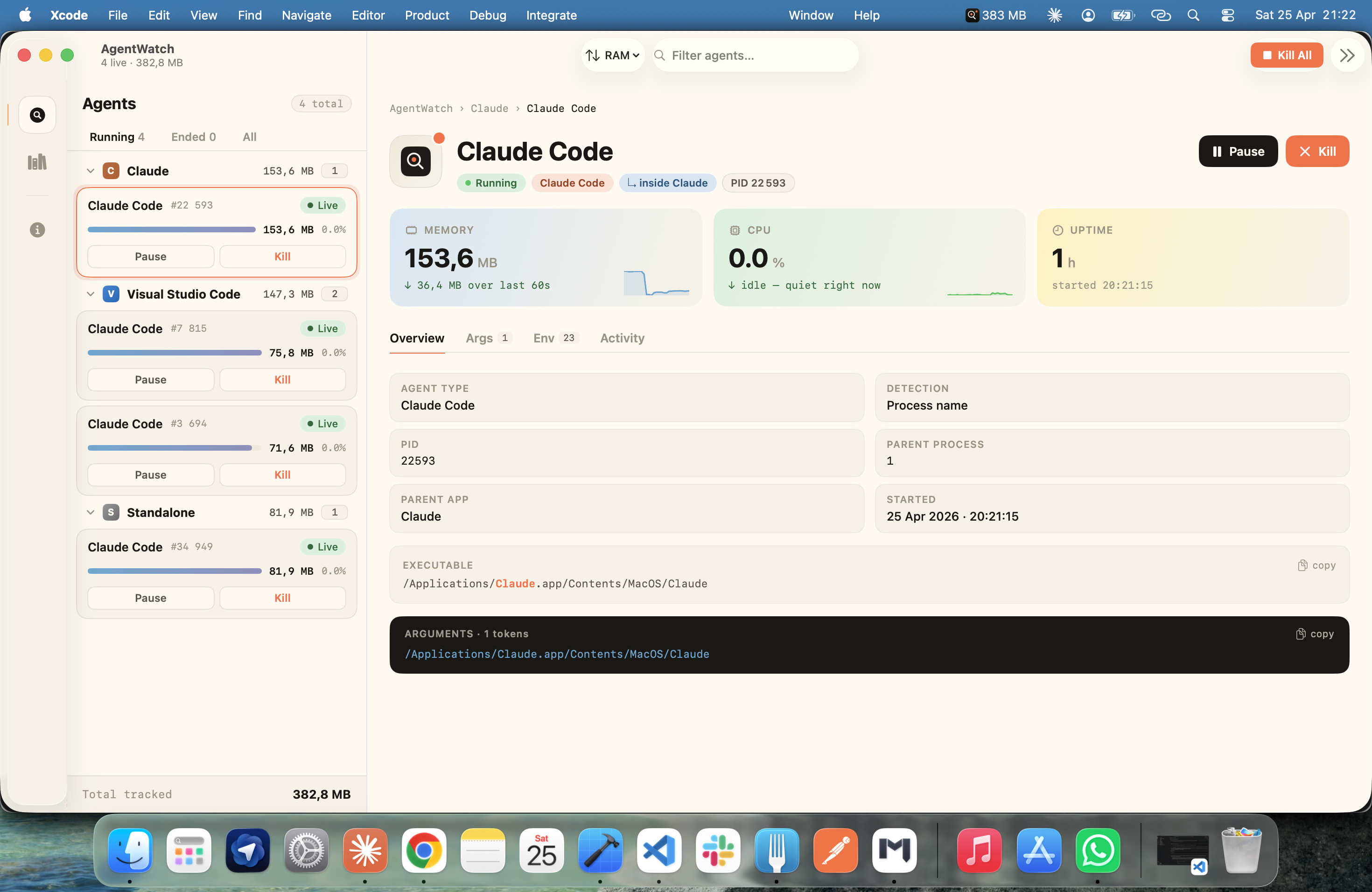
AgentWatch v1.0.2 main window — sidebar of grouped AI agents on the left, Claude Code detail pane on the right showing memory / CPU / uptime sparkline tiles
73tools
detected out of the box
388KB
smaller than your wallpaper
2clicks
to pause or stop any agent
$0
free & open source

What it does.

Three things, well.
01 — find
Cursor Claude Code node Copilot helper Ollama python Cline + 65 more

Finds 73 AI tools.

So you finally know which "Code Helper" is which.

02 — group
▼ Cursor5 agents
↳ cursor-agent
↳ vsce-helper (3)
↳ language-server

Groups them tidy.

Children fold under their parent app.

03 — control
Pause
SIGSTOP
×
Kill
SIGTERM

Pause or kill, instantly.

Two clicks. No Terminal needed.

Install in 10 seconds.

No signup. No fuss.
step 01

Download the DMG

388 KB. Done in a blink.

step 02

Drag to Applications

You know the drill.

step 03

Open it

Look up. It's in your menu bar.

Apple-notarized & signed. No security warnings, no Gatekeeper friction.
privacy

Sends nothing about you. Anywhere.

One JSON file from the public registry on launch. That's the only network call. Process inspection happens on your Mac and stays there. Read the policy →

Ready to free
your RAM?

Download AgentWatch
v1.0.2 · 388 KB · macOS 14+